(Jeff Abbott is a regular contributor at The Pen Addict. You can find more from Jeff online at Draft Evolution and Twitter.)
As I've mentioned in a couple of otherposts, the world of stationery and fountain pens is not an enigma. There are plenty of other vibrant, niche communities out there, and I'm sure many of us are part of them as well. What makes stationery so much fun is the ability to customize and individualize things and then share them with other like-minded individuals who also enjoy the same things. In other cases, it's really interesting and mind-opening to learn more about a system or product that someone loves even if you're not interested in it for yourself. In so many ways, it's the same attractions that I've found in the world of mechanical keyboards.
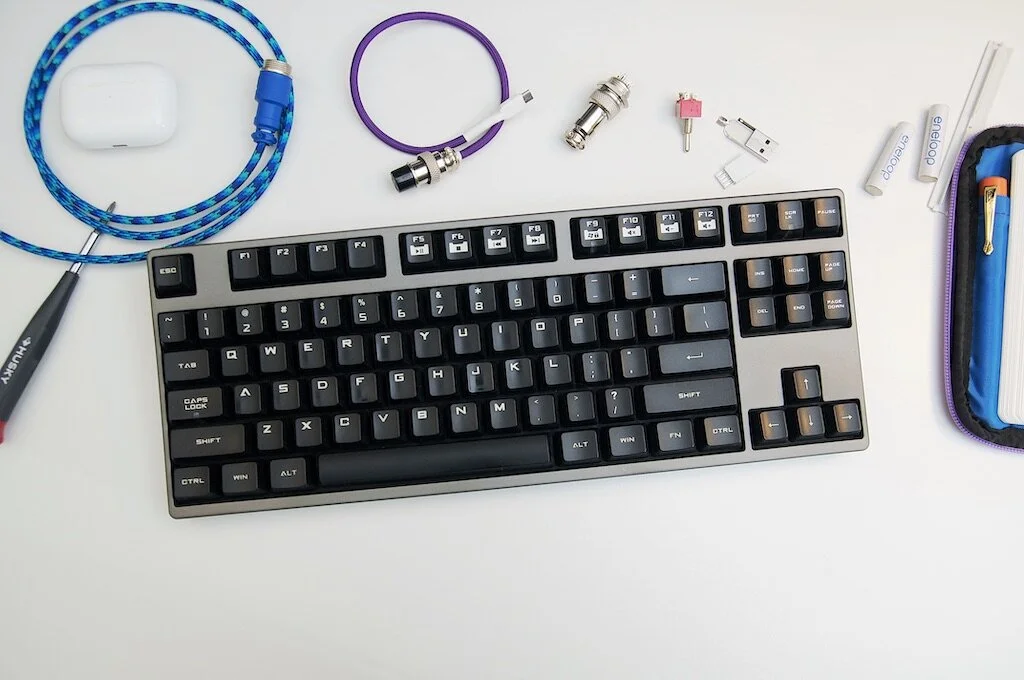
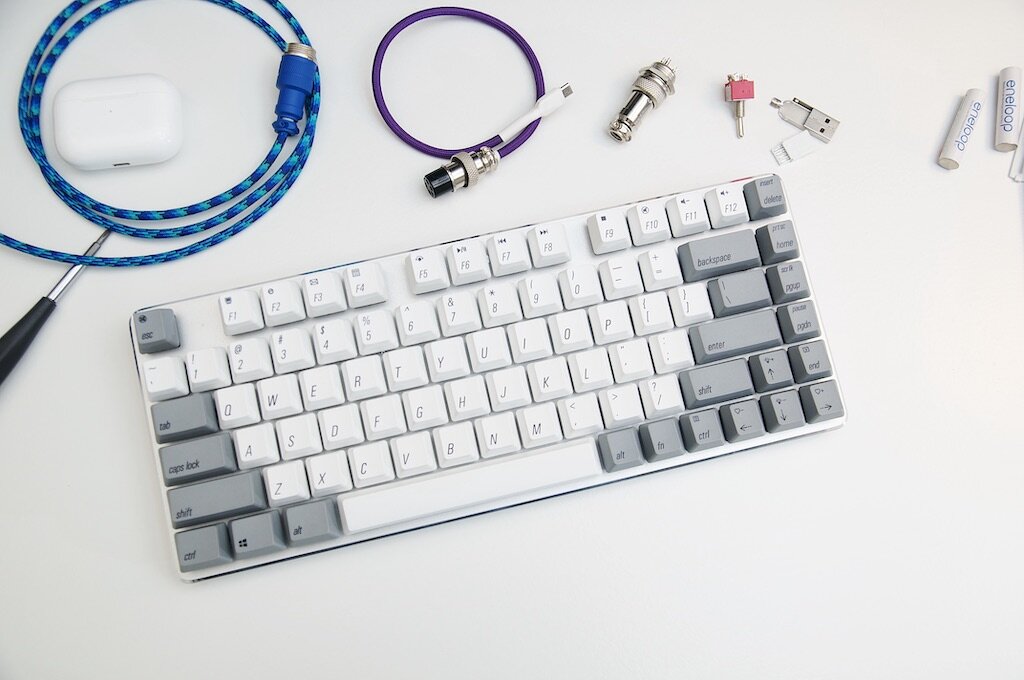
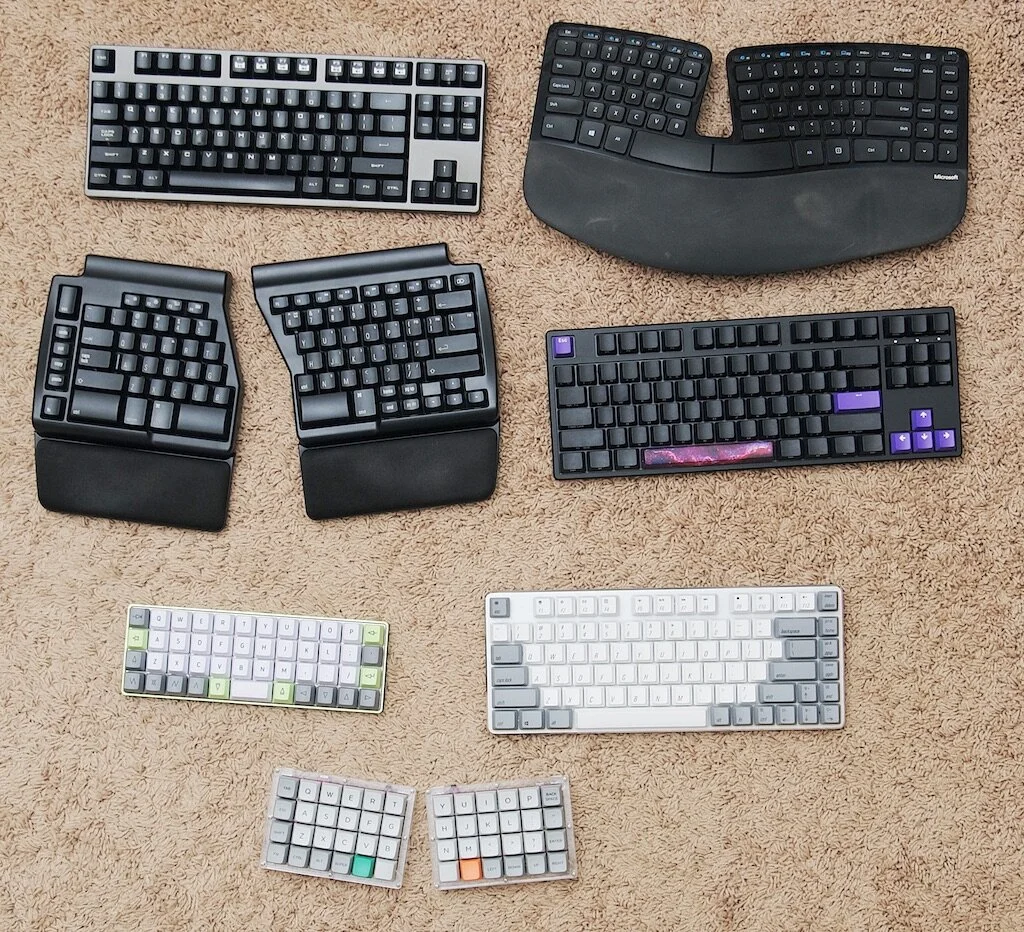
In the same way that most people who discover the vast world of stationery have no idea what they like at the beginning, keyboards are similar. You have to jump in to try things out and make mistakes before you start to hone in on what really captures your interest. And, well, after you find that, you're done for! I alluded to this in the past, but most people don't go from deciding to try a mechanical keyboard and land on custom building their own and using custom firmware to control it. No — most people start at whatever seems the most accessible to them, which is likely something that looks familiar. This is exactly how I got into the keyboard hobby, and I thought it might be interesting to see my path along different keyboards while I really discovered what I liked.
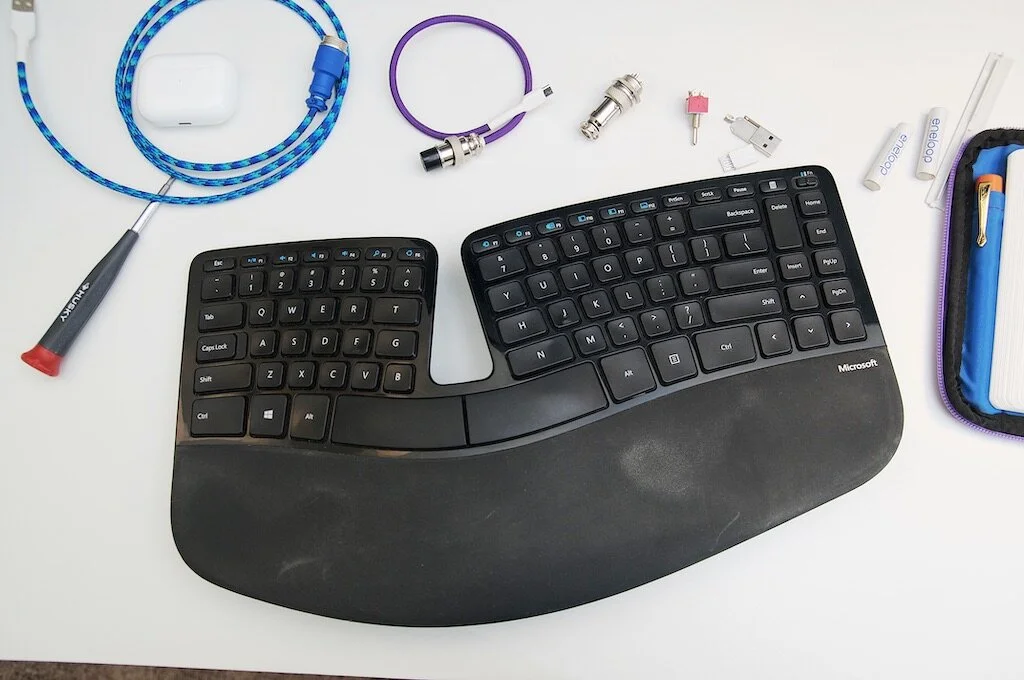
Before I start into my personal journey, you should also know I had some specific needs and interests. This started off as some mild (but annoying) wrist pain that developed about a year after I started a full-time desk job that involved lots of typing. A couple of my coworkers used those monstrosities offered by Microsoft, and I just didn't want to deal with that eyesore on my desk. After another year or two, the intense dislike for the aesthetic wore down as my wrists continued to complain, and I went ahead and purchased a Microsoft Natural Ergonomic 4000 in mid-2012. And that's where this journey starts for me — in an attempt to alleviate a blooming RSI situation and to prevent any further damage.
The Beast: Microsoft Natural Ergonomic 4000
I honestly don't remember how much I paid for this keyboard. I purchased it at an Office Max on my lunch break and viewed the whole thing with about as much excitement as someone purchasing a back or ankle brace from the pharmacy. Like many people who tried this keyboard back in the day, it took me at least a week or two to really get used to the slightly different layout of the keys. I didn't like the mushy feel of the keys, and that never changed. But, I did start to feel a lot more comfortable, and my wrist pain was pretty much gone after a few months of using this keyboard.
But, I'm a vain person and this eyesore just didn't belong on my desk. Unfortunately, there weren't many options in those days that looked any better. I decided to bear with it and be happy that my wrists were doing better — until I discovered mechanical keyboards.
CoolerMaster Quick Fire